Complete Details
Add accurate student and course information.
02
Continue to WhatsApp
The form prepares your enrollment message.
03
Review and Send
Press Send in WhatsApp to submit the application.
Digital Fashion Illustration
Sketch. Render. Present.
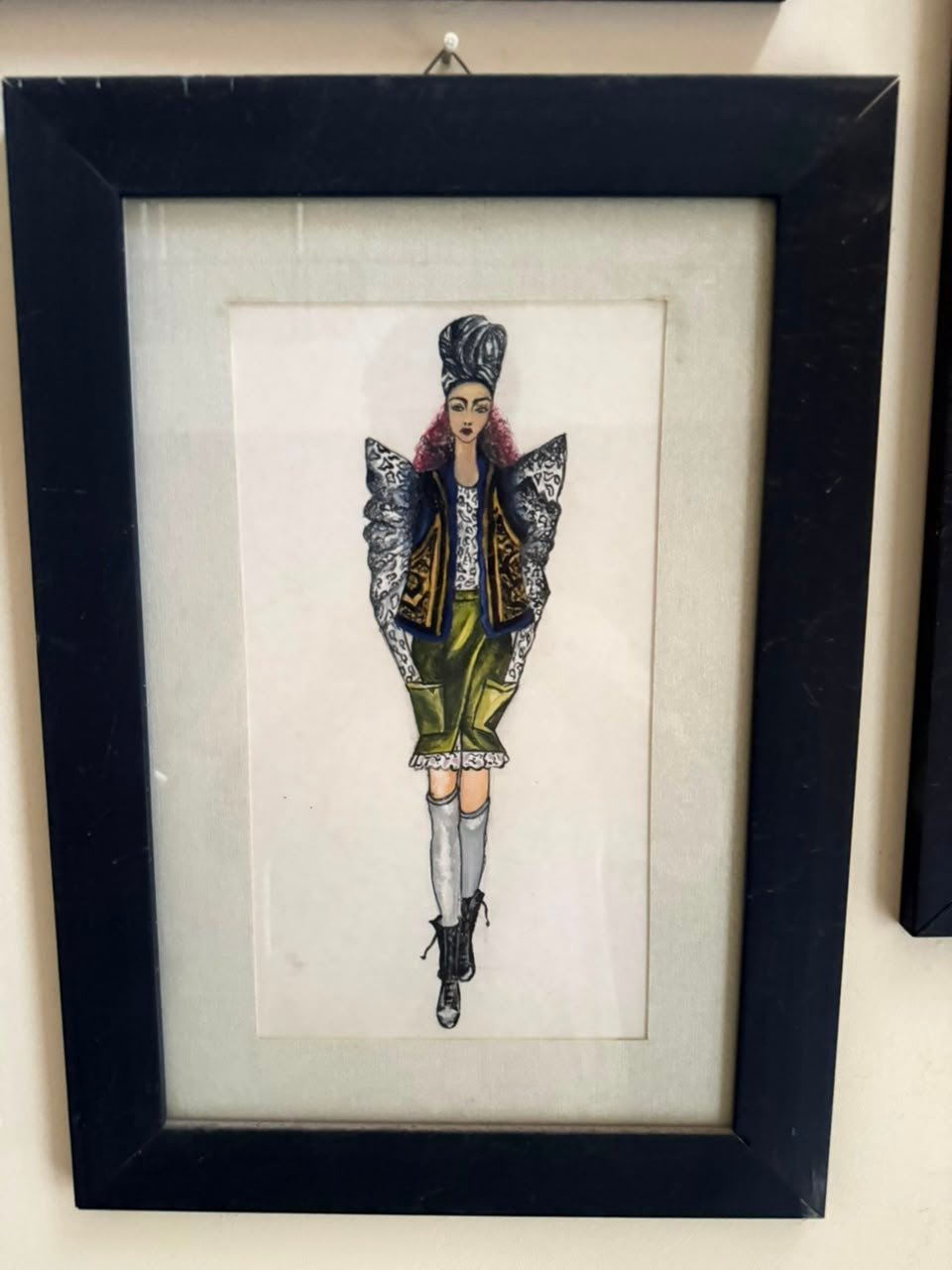
Transform fashion concepts into professional digital artwork using CorelDRAW and Adobe Photoshop. Learn fashion figures, garment rendering, textures, colour development, mood boards, presentation sheets, and portfolio layouts.
From first sketch to polished digital presentation.
This course combines fashion drawing with digital design tools. Students learn to build clean fashion figures, render garments and fabrics, create colourways, design mood boards, and present ideas in a professional visual format.
01Digital fashion figures
02Garment rendering
03Fabric textures
04Colour development
05Digital mood boards
06Portfolio layouts
Software Lab
Two tools. One complete digital workflow.
Vector Development
CorelDRAW for clean fashion artwork
Build precise fashion figures and garment outlines
Create repeatable shapes, details, motifs, and colourways
Develop clean presentation sheets and technical visuals
Prepare professional layouts for print and digital portfolios
Digital Rendering
Photoshop for texture, light and atmosphere
Render fabrics, folds, shine, transparency, and embellishment
Build mood boards, colour stories, and visual concepts
Use layers, brushes, masks, blending modes, and effects
Refine final artwork for portfolio and social presentation
Combine figures, colours, fabrics, details, and concept into a complete professional presentation.
Interactive Transformation
From raw idea to finished digital artwork.
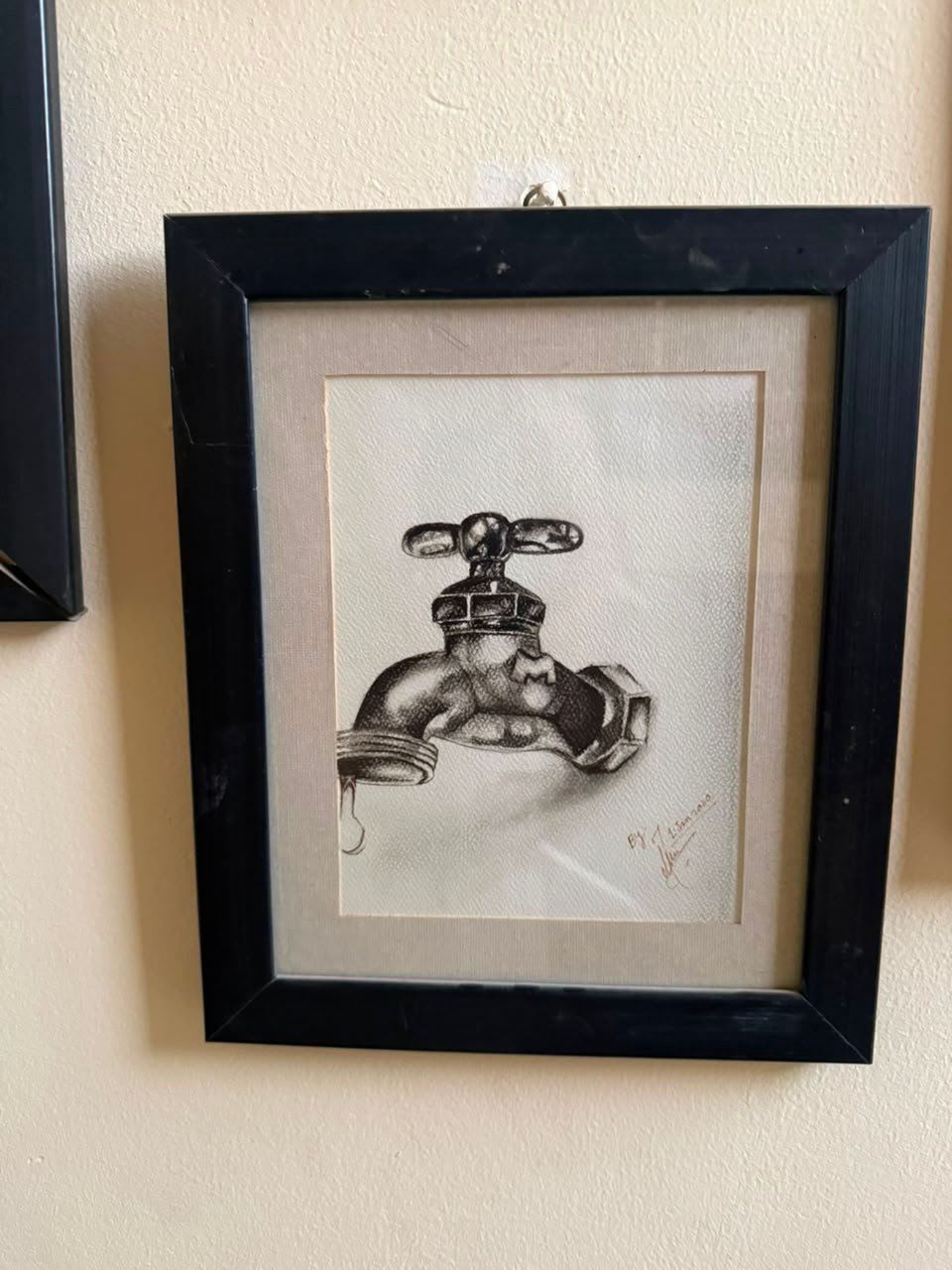
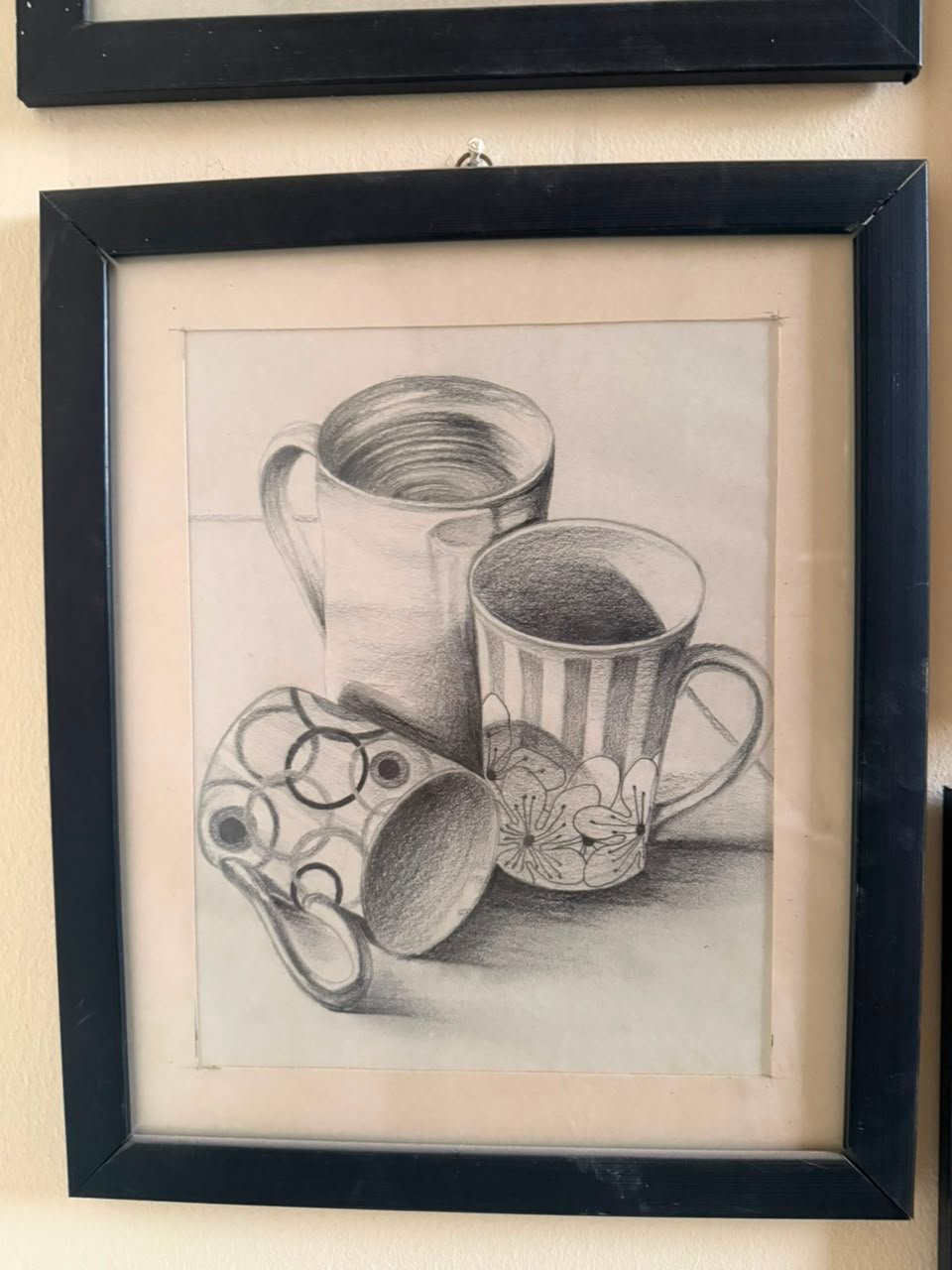
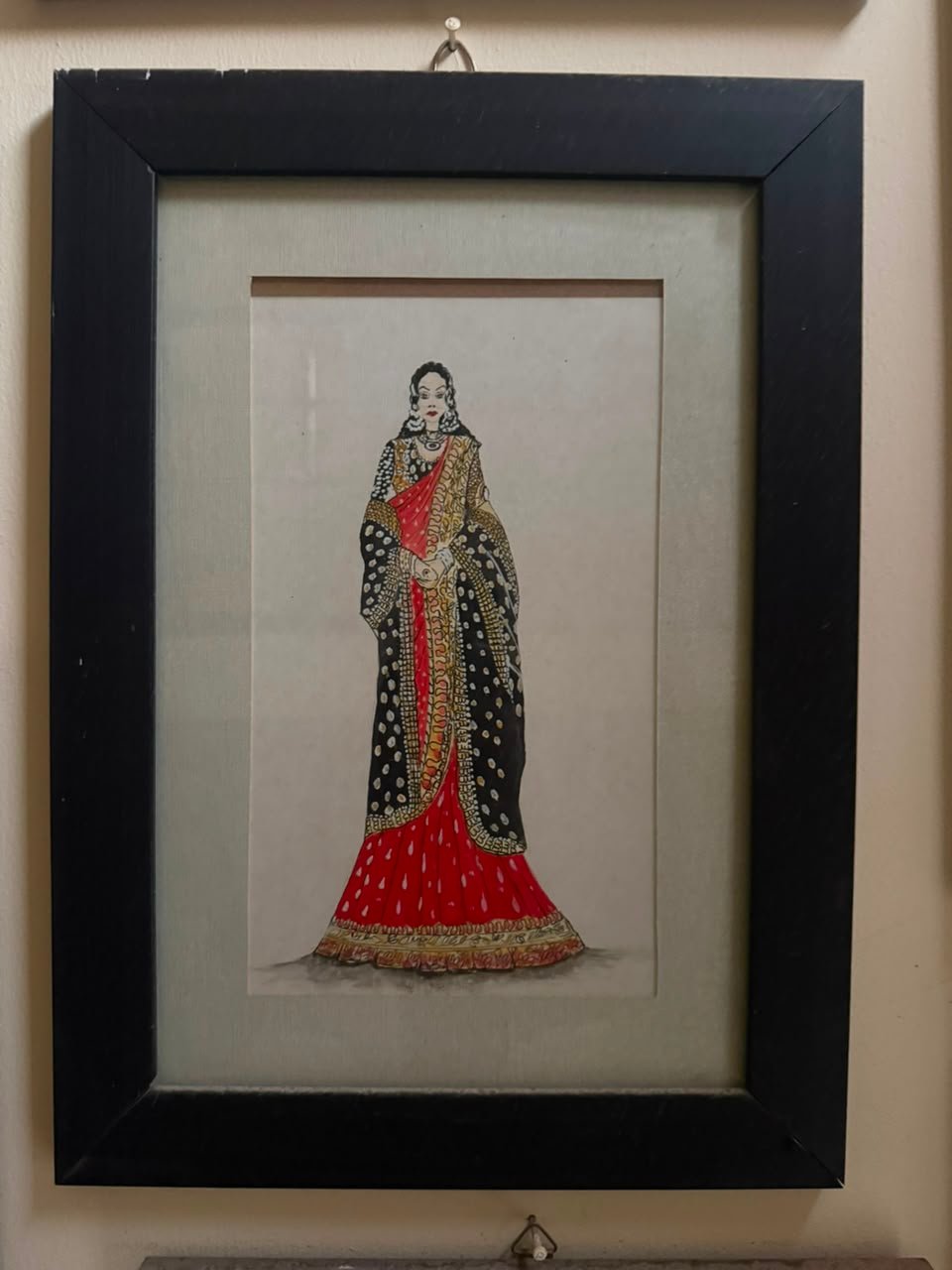
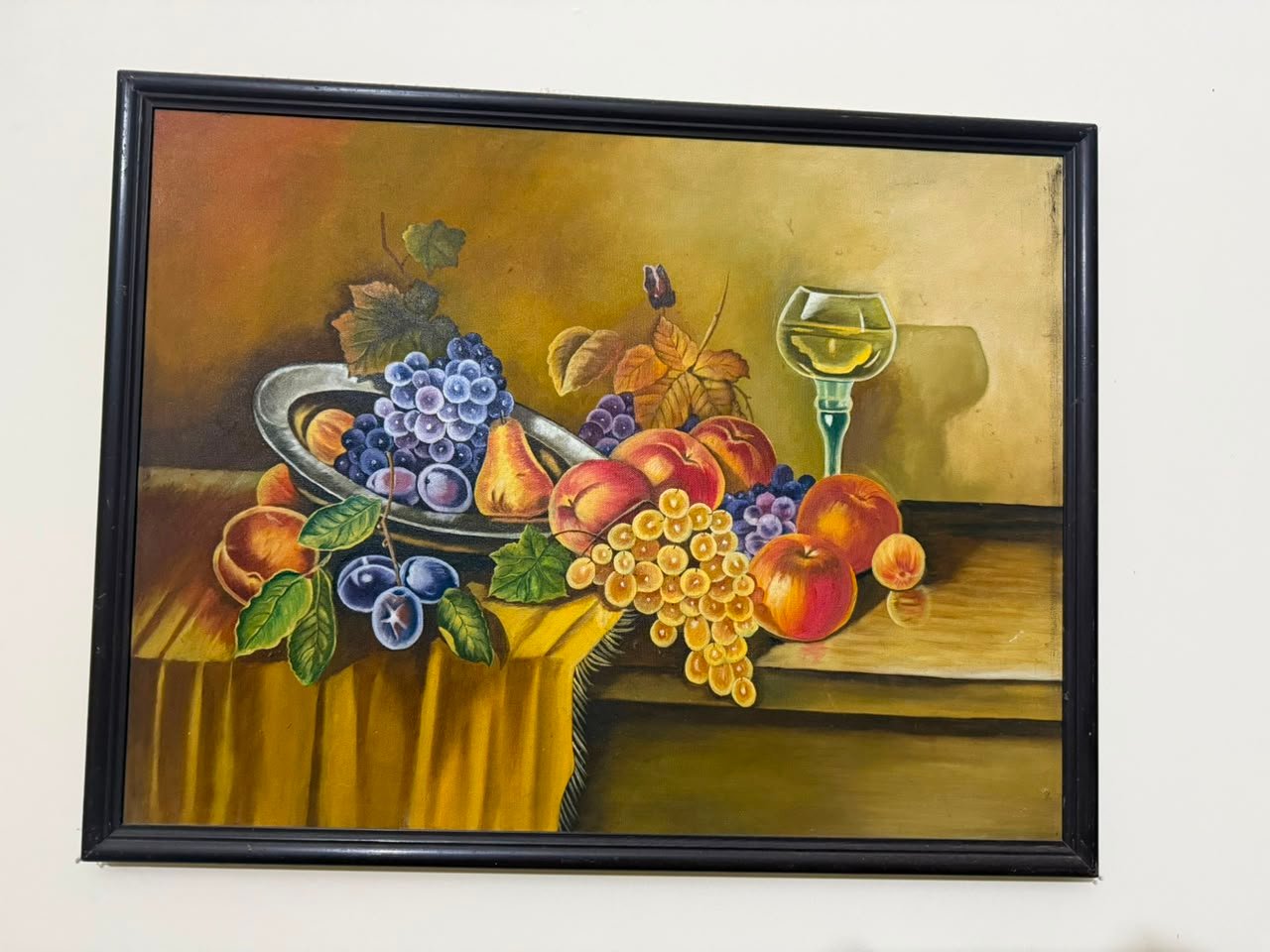
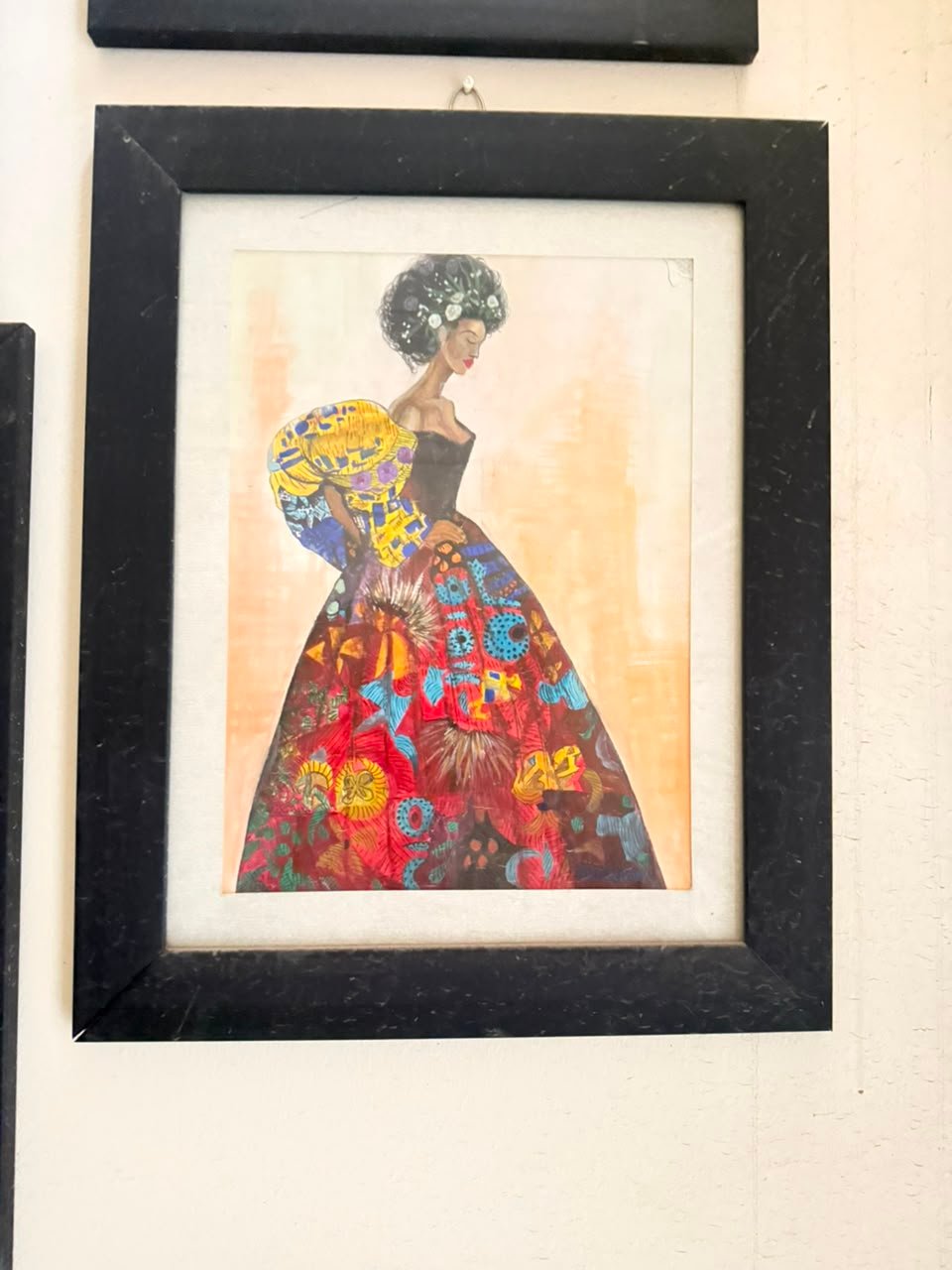
Drag the control across the artwork to demonstrate the course transformation process. Replace these images later with a student’s original sketch and completed digital result.
 BeforeAfter